 Laylo
From your content to your demo
See the possibilities.
Transform, choose, refine and share. Every step starts with the website already open in Chrome or Microsoft Edge.
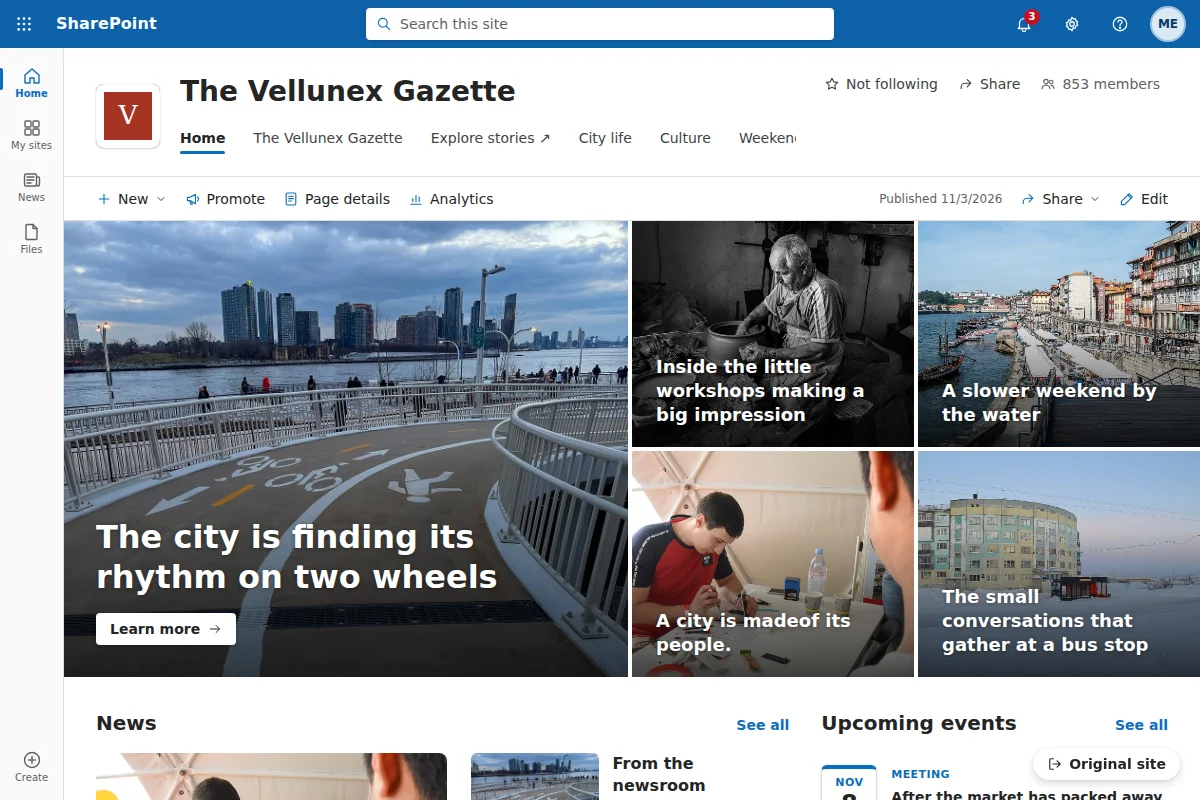
01 · Transform · Free
A new view of the same website
Open Laylo from the toolbar or press Alt + Shift + M. Your page becomes a SharePoint-style demo, filled with its own stories, images and links.
- Switch between article and home-page layouts
- Keep the view on as you browse the site
- No SharePoint tenant required
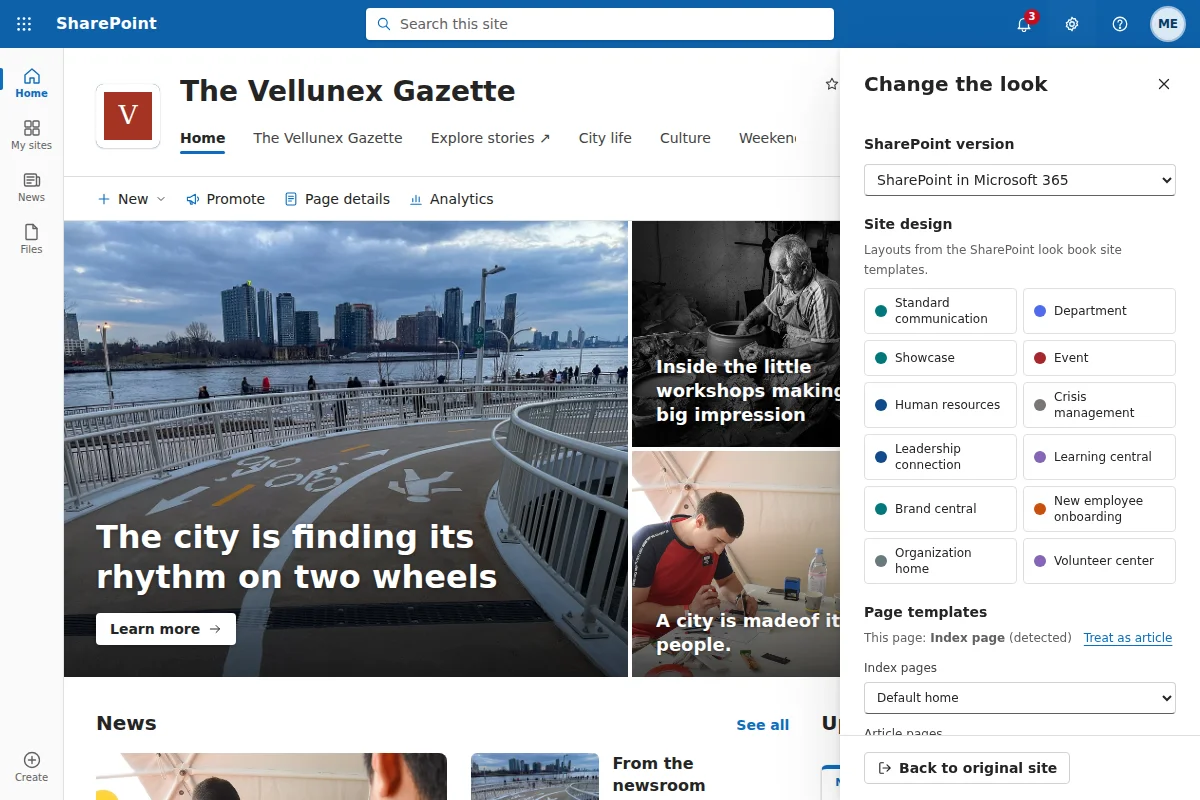
02 · Choose · Free & Pro
Start with a design that fits
Choose a whole site or an individual page. Try different themes, header layouts and historical SharePoint versions.
- Free site designs and page templates
- Free themes and historical versions
- Additional templates in the Pro pack
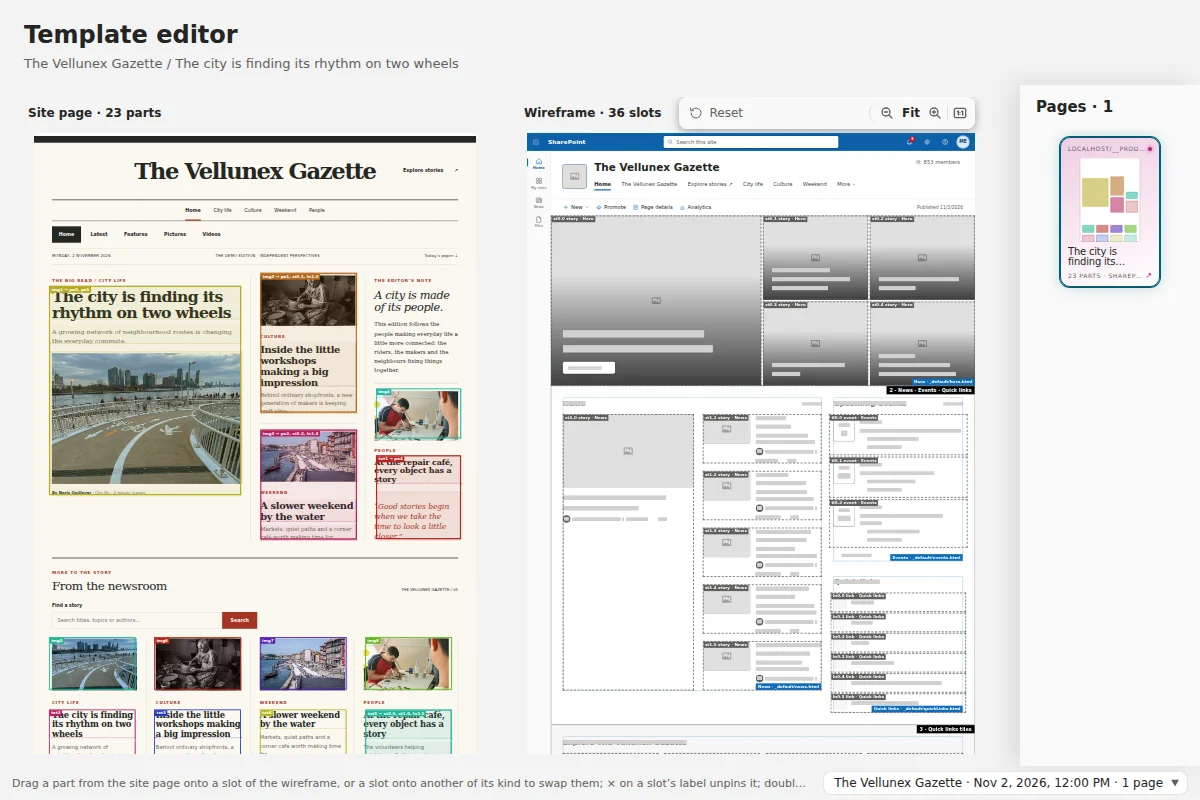
03 · Refine · Pro
Make the layout yours
The Layout Maker puts the source page beside the template. Drag content into slots and shape your demo without building a site.
- Edit titles, text and images
- Set image focal points
- Scan the page to inspect, merge and split its parts
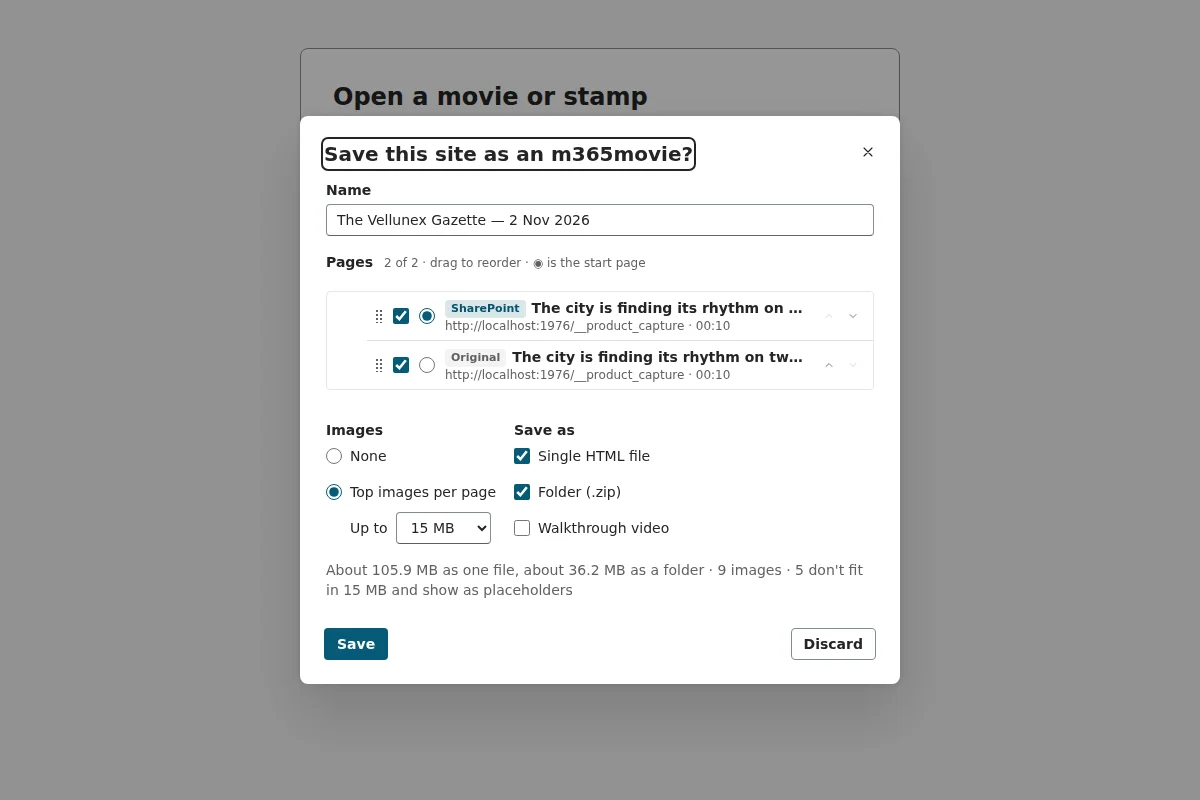
04 · Share · Pro
Take the demo with you
Export HTML, a ZIP of pages or a walkthrough video. The recipient needs no SharePoint tenant.
- Self-contained HTML and ZIP exports
- 720p or 1080p walkthrough video
- Laylo stamps to share a page’s layout and edits
Your exported files stay yours.