 Laylo
01 / Free
Live view
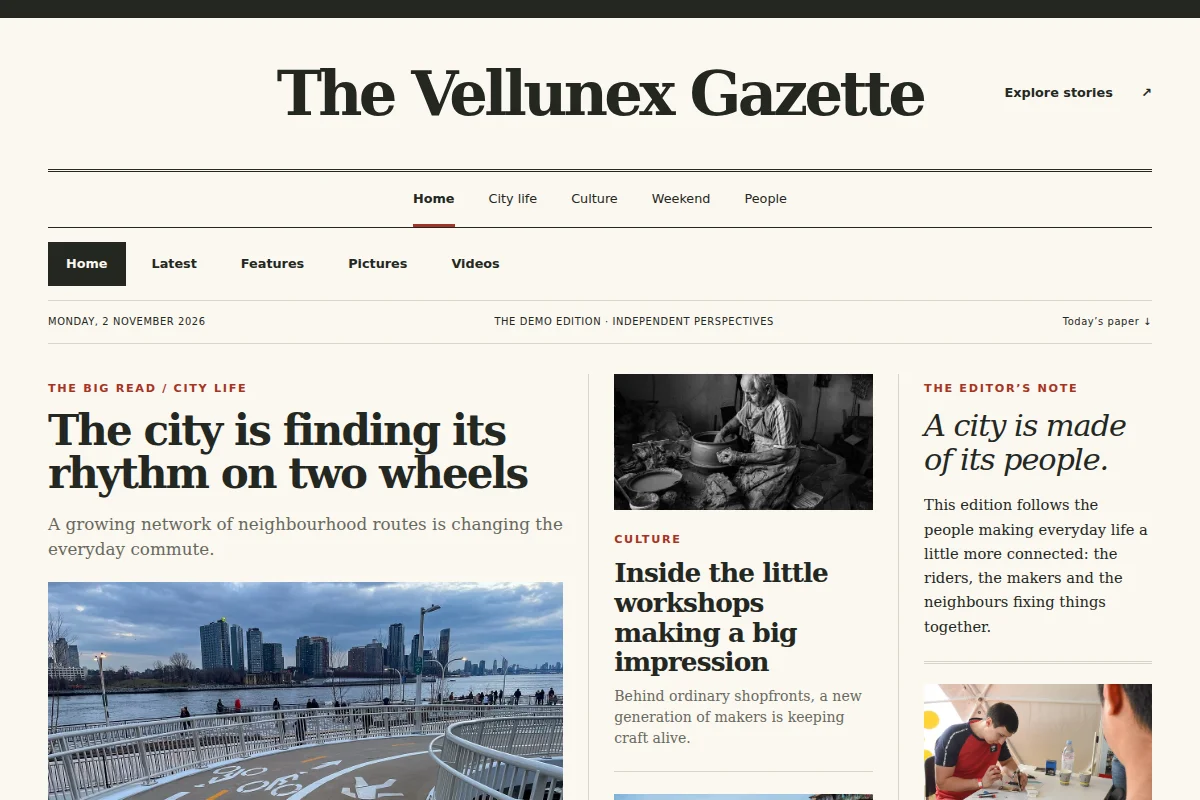
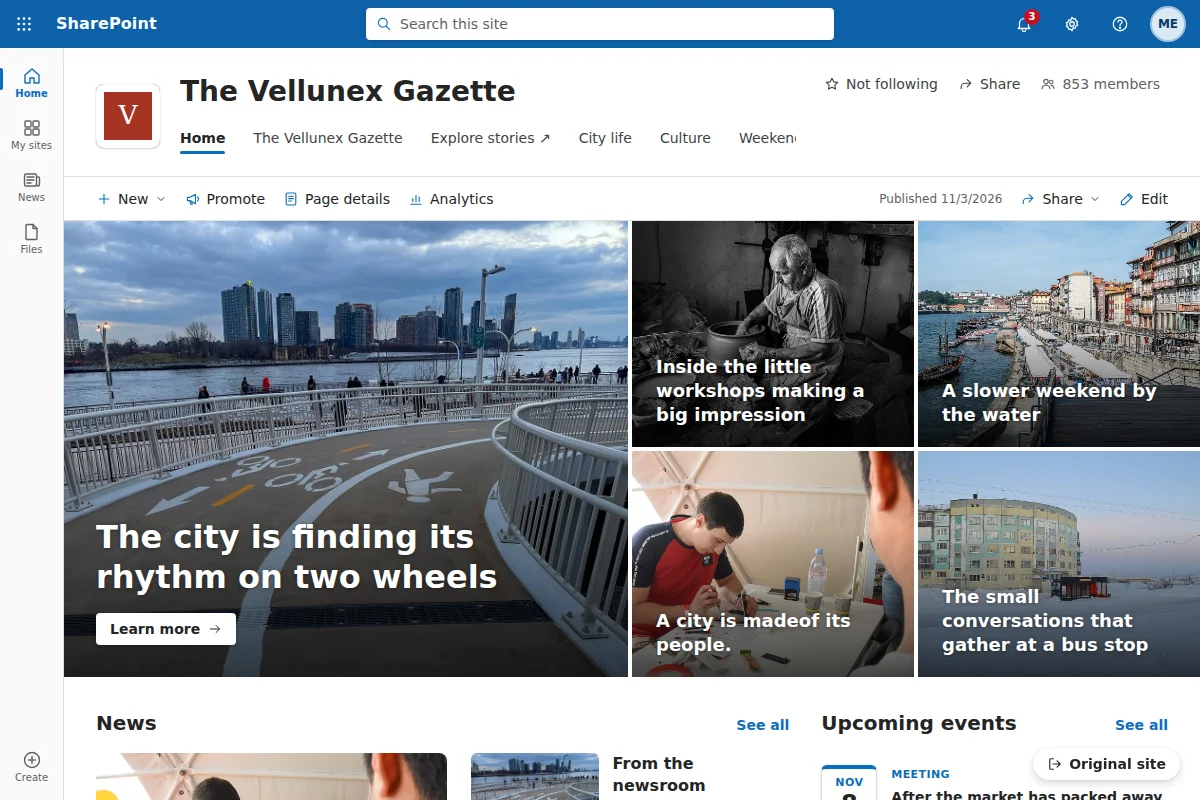
See the website in a SharePoint-style layout, right in the browser tab.
Chrome & Edge extension · free to start
Turn a client’s website into a SharePoint-style demo using its own stories, images and colours.
Works in Chrome and Microsoft Edge. No sign-up for the free plan. Page content stays in your browser.
Three simple steps
Start with your client’s site. Laylo reads the stories, images, links and colours already on the page.
Try a site design or page template. Adjust the theme and refine where the content goes.
Show the demo live. With Pro, take it away as HTML, a ZIP or a walkthrough video.
A head start
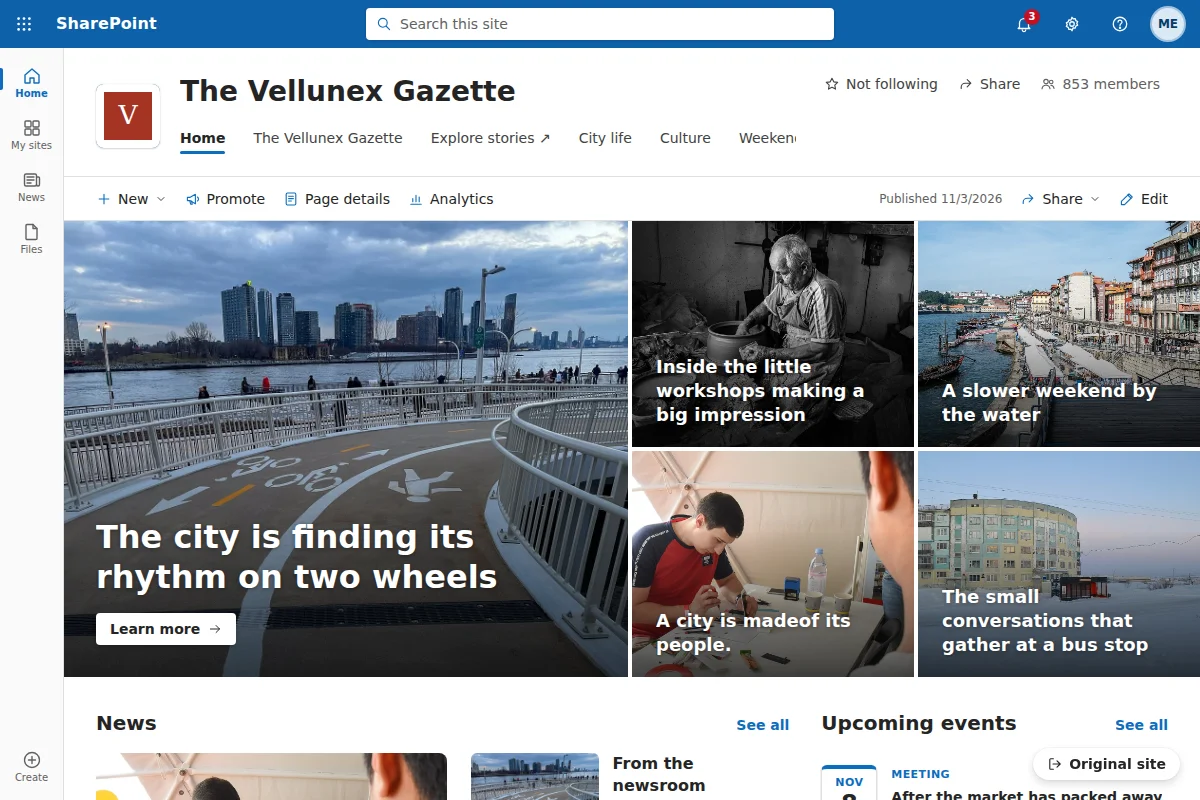
The free site: a home page, a news article page and five page templates (landing, FAQ, long-form article, roadmap, team), built from the SharePoint Online web parts.
Preview template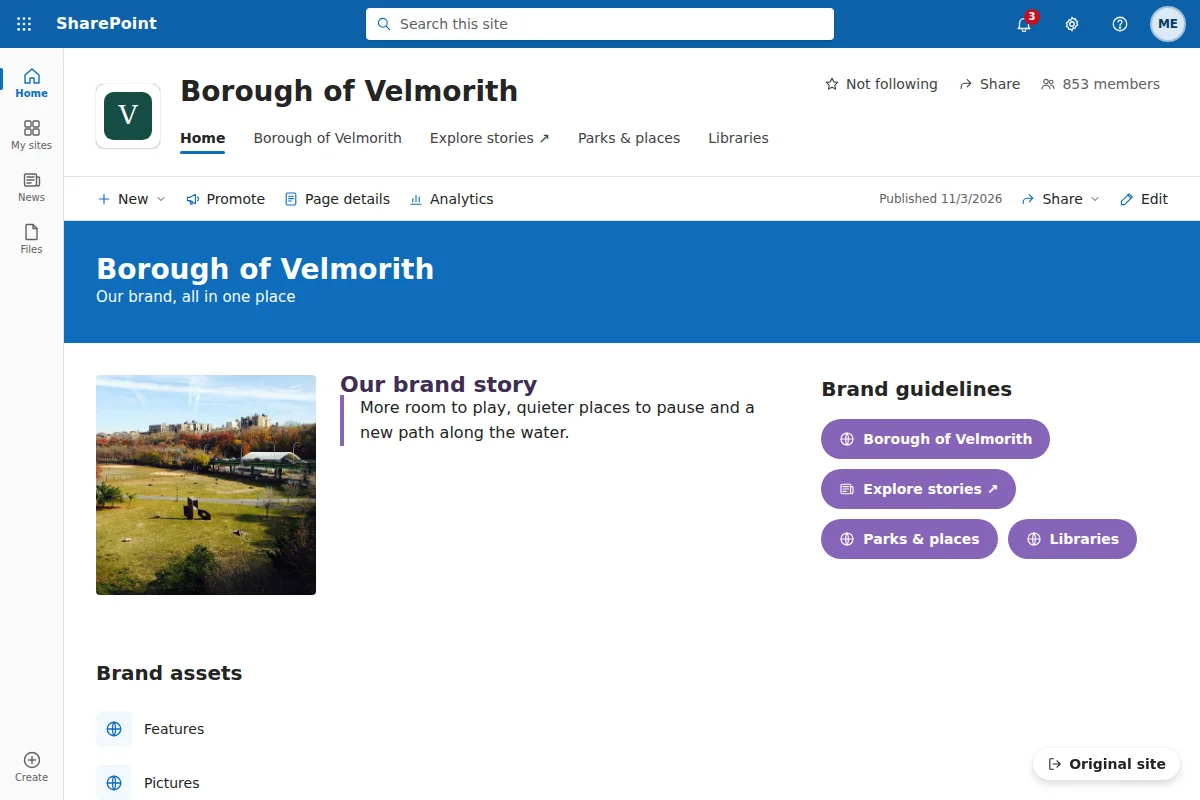
A home for brand assets and guidelines: the brand story, the guidelines, assets as quick links, featured work.
Preview template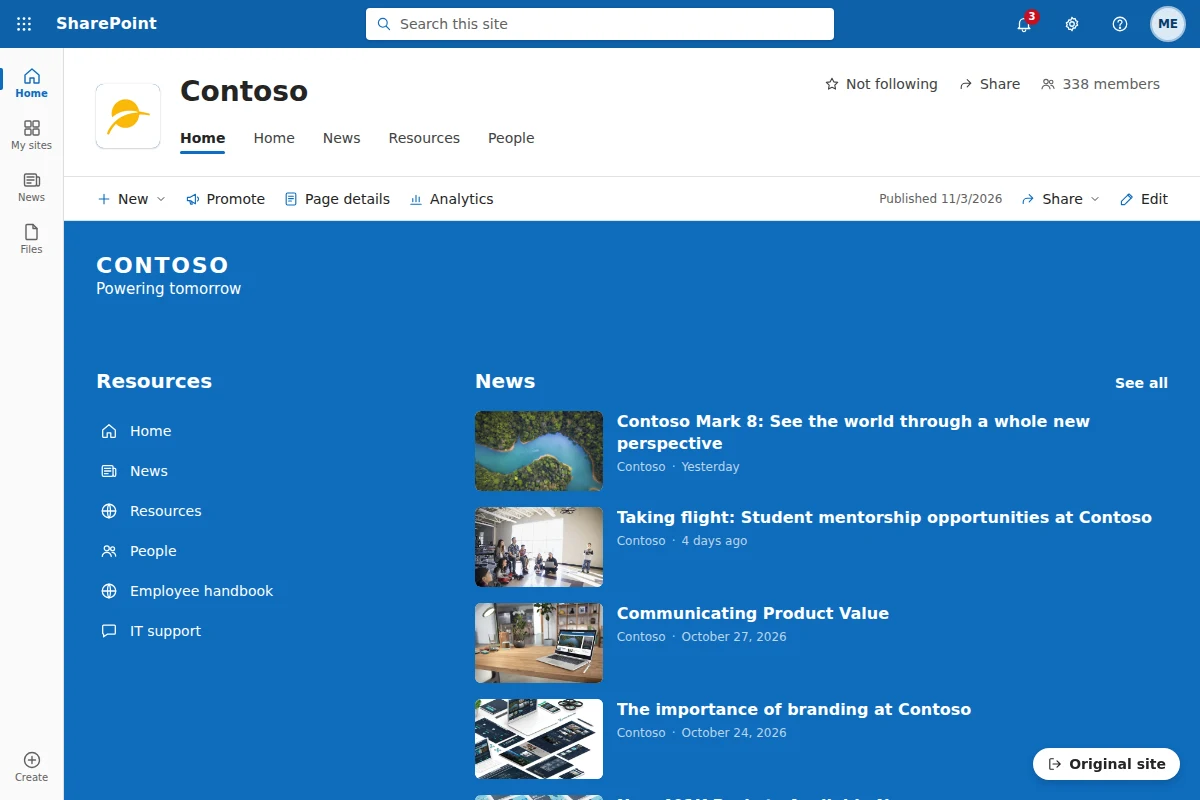
A technology company: product news, employee resources, a dashboard, events and leadership messages.
Preview template Source templateBuilt for the demo
01 / Free
See the website in a SharePoint-style layout, right in the browser tab.
02 / Free & Pro
Explore whole sites and individual pages, filled with the content you already have.
03 / Pro
Move parts into place, edit titles and pictures, and shape the story you want to tell.
04 / Pro
Share HTML, a ZIP or a video. Your audience doesn’t need a SharePoint tenant.
Made for your next conversation
Bring a client’s own content into your pre-sales demo.
Turn a proposal into a preview people can explore.
Visualise the move to SharePoint before starting the build.
Private by design
Laylo reads and rebuilds the page on your machine. Signing in only tells us which plan you have.